
In NowSignage, users have the ability to change the platform's language settings. After logging in, click on the flag icon located in the top right corner of the screen to access a menu of available languages.
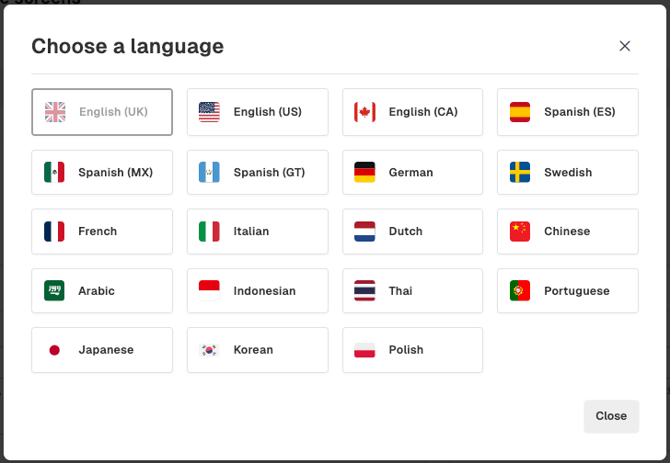
List of language options:
- English (UK)
- English (US)
- English (CA)
- Spanish (ES)
- Spanish (MX)
- Spanish (GT)
- German
- Swedish
- French
- Italian
- Dutch
- Chinese
- Arabic
- Indonesian
- Thai
- Portuguese
- Japanese
- Korean
- Polish
To change the language, simply select your preferred language from the list, and the platform will automatically update to reflect your choice without any further action required.
The language change is specific to the logged-in user, allowing each individual to select their preferred language without influencing the settings of other users on the account.